Casavista Login Guide: Easy Access to Dremiai AI Room Design
Need to login to Casavista? Here's your step-by-step guide for webapp, iOS, Android.
FAQs: Casavista Login & Account Questions
How do I login to Casavista Dremiai?
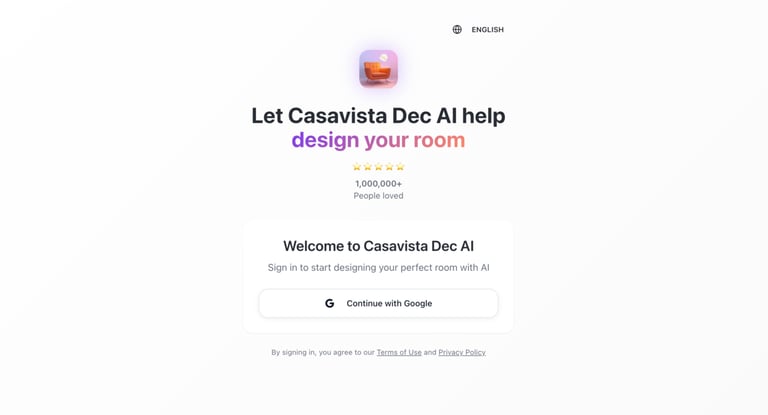
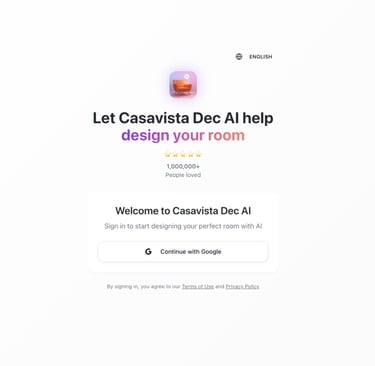
Apps: No login! Webapp: Go to app.casavista.site. Click "Sign in with Google".
Casavista login not working?
Try incognito or different browser. Contact support@casavista.site.
Do I need an account for Casavista Dec AI: Dremiai?
No for apps (anonymous gens). Yes for webapp saves.
Where to download app?
Download 'Casavista Dec AI Room: Dremiai' from your App Store or Google Play. Or Enter direct on Webapp: app.casavista.site
Are the service free?
Yes, instant generations on mobile apps are completely with 1 free render.
Can I use Google account elsewhere?
Google sign-in is only for the web app; mobile apps do not require any login.
Quick Login Steps
1. iOS/Android Apps: Download "Casavista Dec AI Room: Dremiai" from App Store/Google Play. No login needed – start designing immediately!
2. Webapp: Go to app.casavista.site. Click "Sign in with Google" → Use your Google account.
3. Trouble? Clear cache or use incognito.



★★★★★
Join 1,000,000+ happy designers and counting!
Gallery
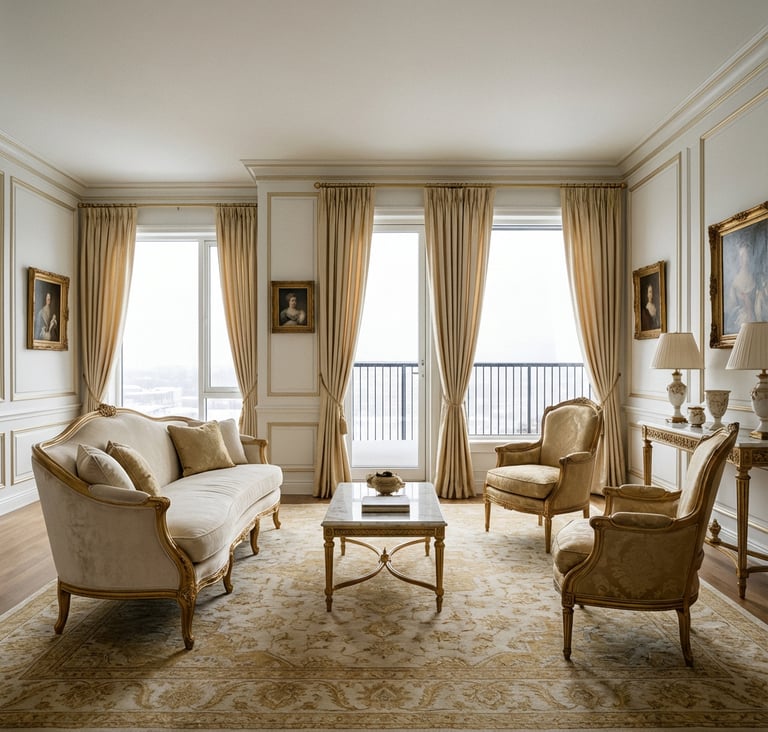
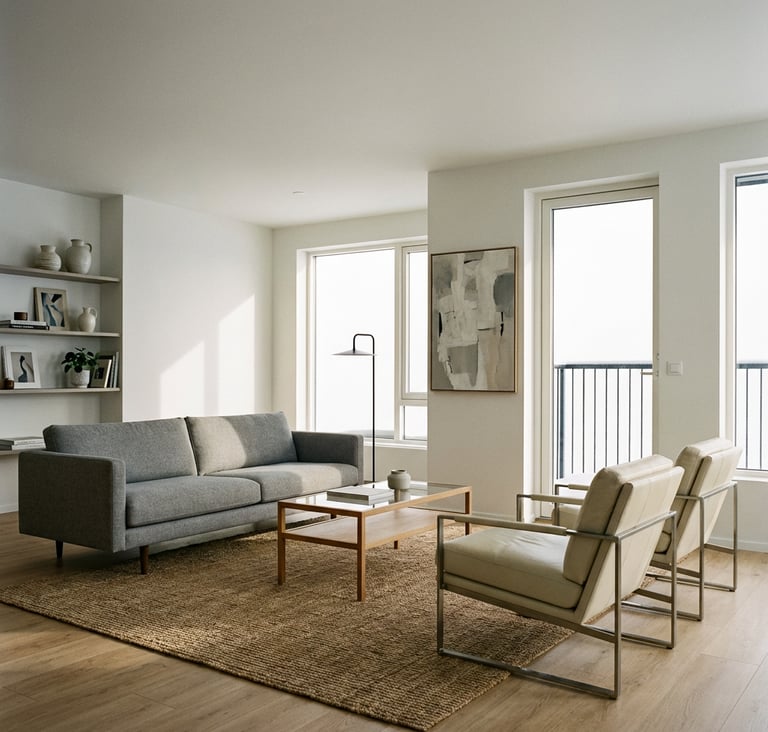
Snapshots from Casavista design app

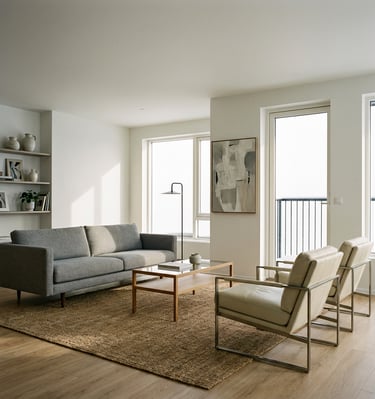




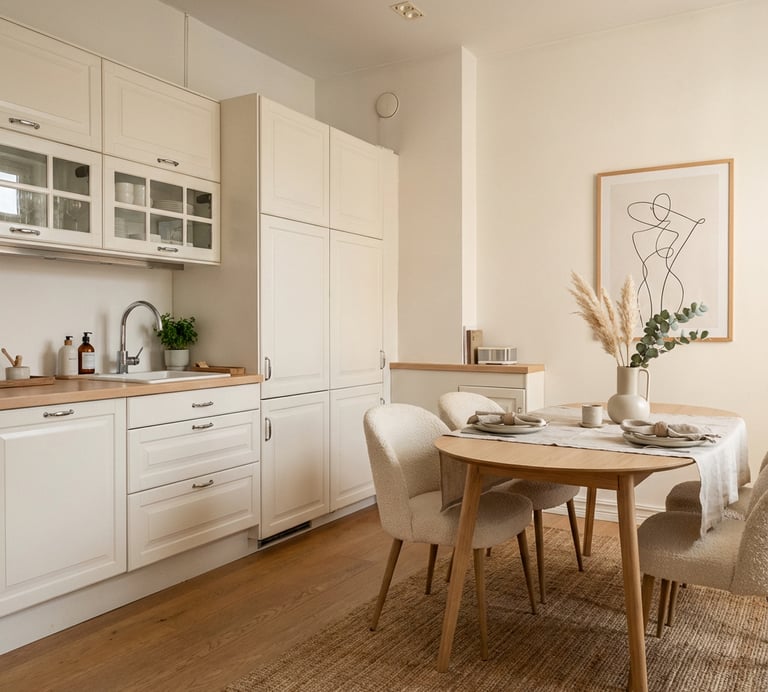


By Casavista Team – Dremiai Creators.
Casavista Dec AI Room: Dremiai
Best AI app for Interior Design
Copyright © 2025 Casavista AI: Dremiai. All rights reserved.
Build with ❤️ by Casavisa AI team